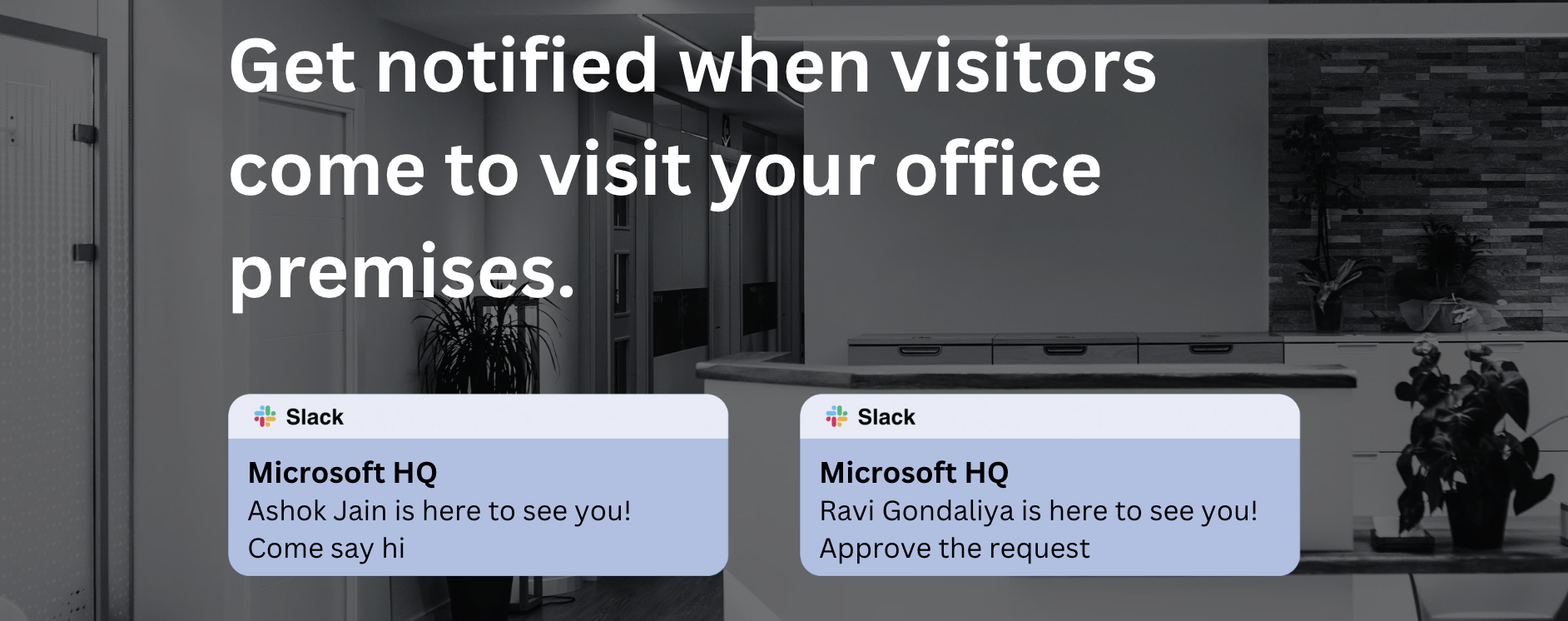
About Slack
Slack is a business messaging app that helps teams collaborate and communicate. It’s widely used to simplify communication streams, but it's much more than an instant messaging tool. You can read more about it at https://slack.com
Benefits Of Integrating Slack With Hipla
The Slack integration makes it easy for employees to use Hipla features in the app they use most. With this integration, you can:
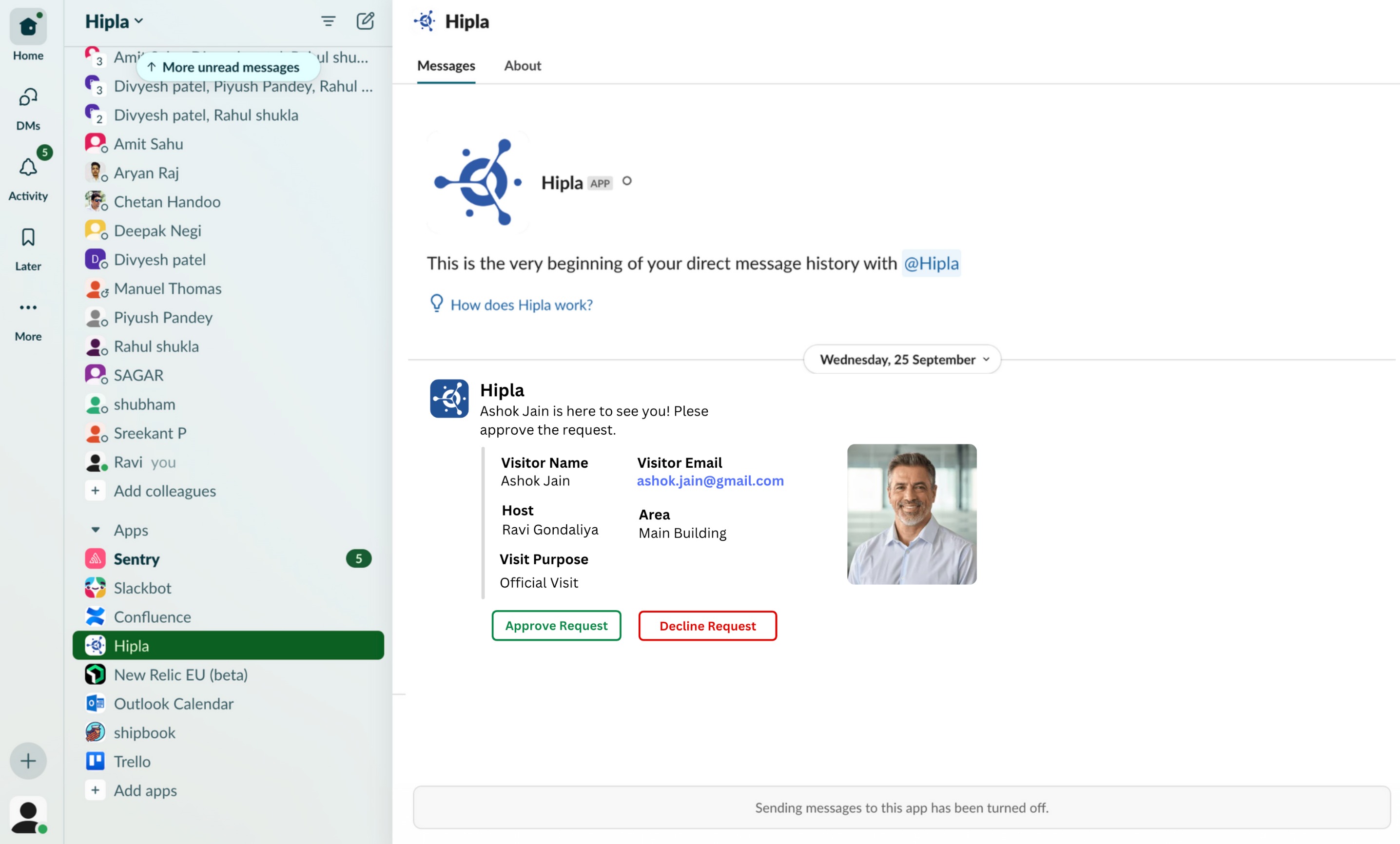
Get notified when visitors arrive
Get approval notification when someone wants to book a meeting room
Get approval notification for outside visitors
How to integrate Slack?
Note: You’ll need to be an admin on your Slack account to complete this setup. Either become an admin or ask your admin for help before completing these steps:
- Login to Hipla dashboard as company admin https://dashboard.thesentinel.io
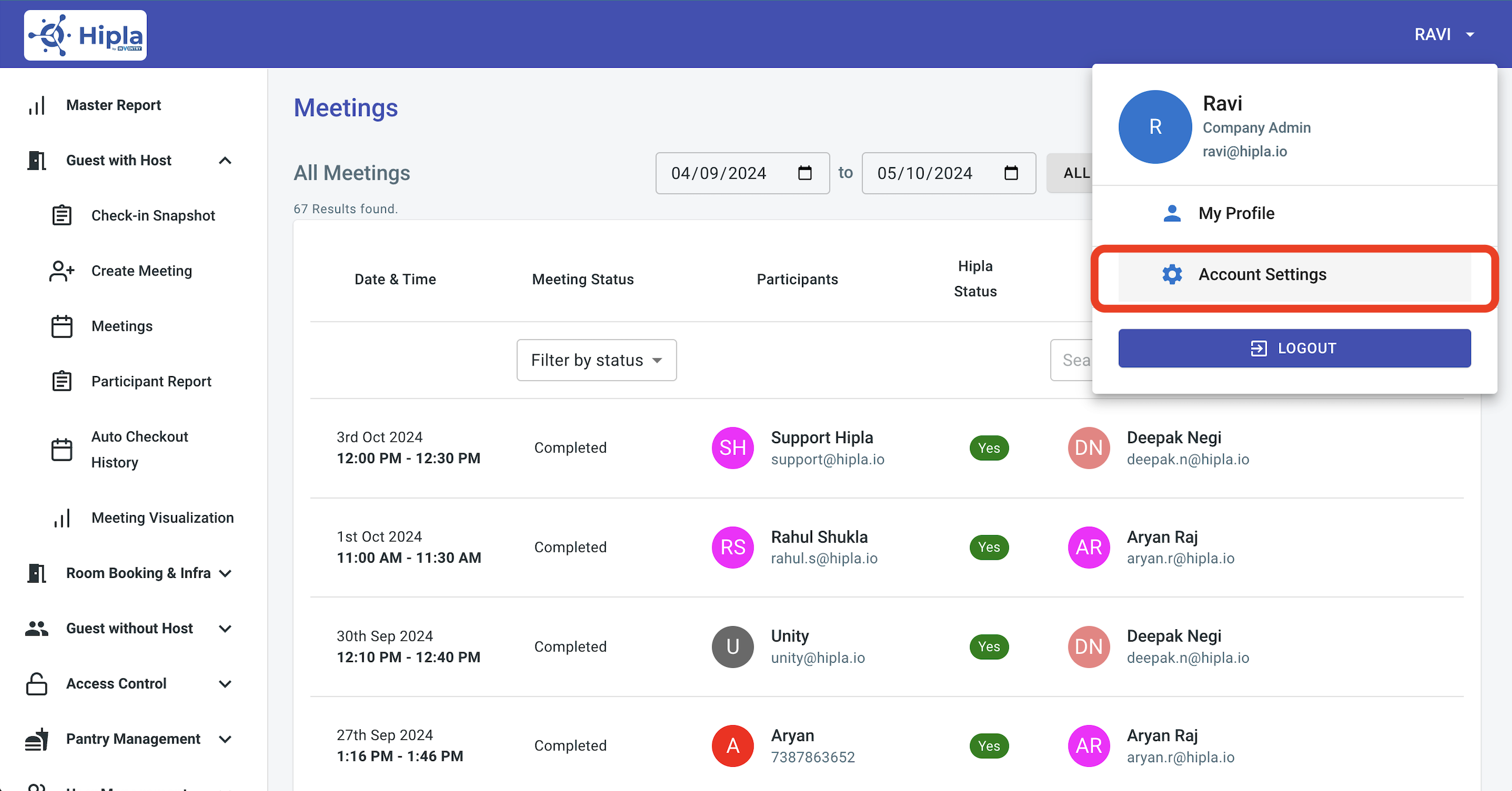
- Click on your name at top right corner on top right corner and click on organization settings.
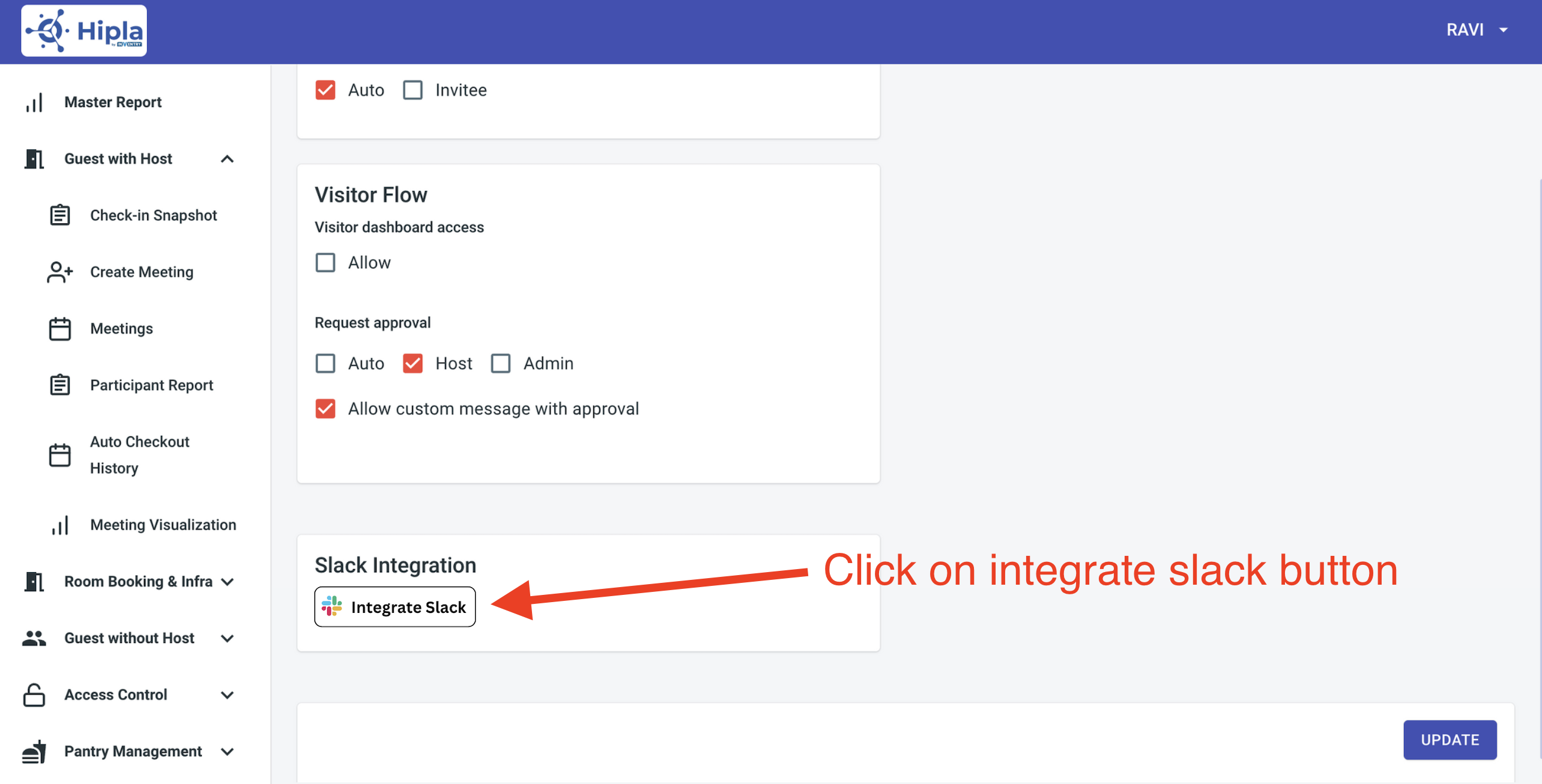
- In organisation setings, select general tab, and click on "Integrate Slack" button at the bottom of the page.
- You will be redirect to slack website. Here click on you need to give permission, click on "Authorize" button to continue.
- Once you click on "Authorizze" button. The integration is complete. You will see message "Slack integration is successful. You can close this window now."
- Once integration you will start receiving the notifications for any visitor coming to building. You will also get approval notification to approve or reject request to access meeting room.
Important Notes:
- To receive Slack notifications, each employee and administrator must make sure Slack notifications are enabled in their personal notifications settings.
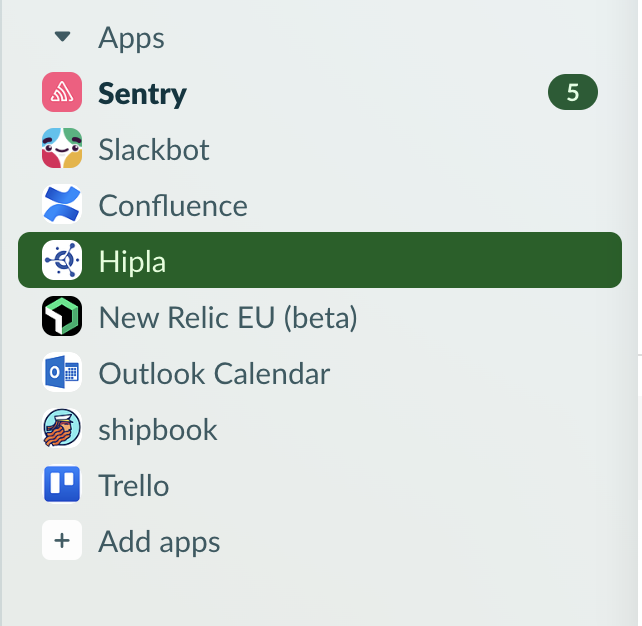
- If you do not see the Hipla App in Slack you may have to install it from the Apps section.
Contact Us:
- Email: support@hipla.io
- Mobile: 9311412096
Was this article helpful?
That’s Great!
Thank you for your feedback
Sorry! We couldn't be helpful
Thank you for your feedback
Feedback sent
We appreciate your effort and will try to fix the article